School and nonprofit security systems · Dallas–Fort Worth
Integrated Security Technology for DFW Schools and Nonprofits
Coordinate cameras, controlled entry, alarm integrations, and cloud video to support facility visibility, documentation, and practical response workflows for campuses, houses of worship, and mission-driven organizations.
Site-specific challenges
Plan Around the Property’s Real Operating Needs
A commercial security design should address the events, locations, users, and review workflows that matter most at the site.
Entry-point visibility
Staff need clearer awareness of doors, visitors, and perimeter activity.
Legacy systems
Aging cameras and panels may be difficult to manage or standardize across facilities.
Coordinated response
Video, access events, and alarm workflows should support—not complicate—staff procedures.
Recommended capabilities
What the Security Plan Can Include
The final scope depends on compatibility, site conditions, priorities, and budget.
Protect prior investments
Start With an Existing-System Review
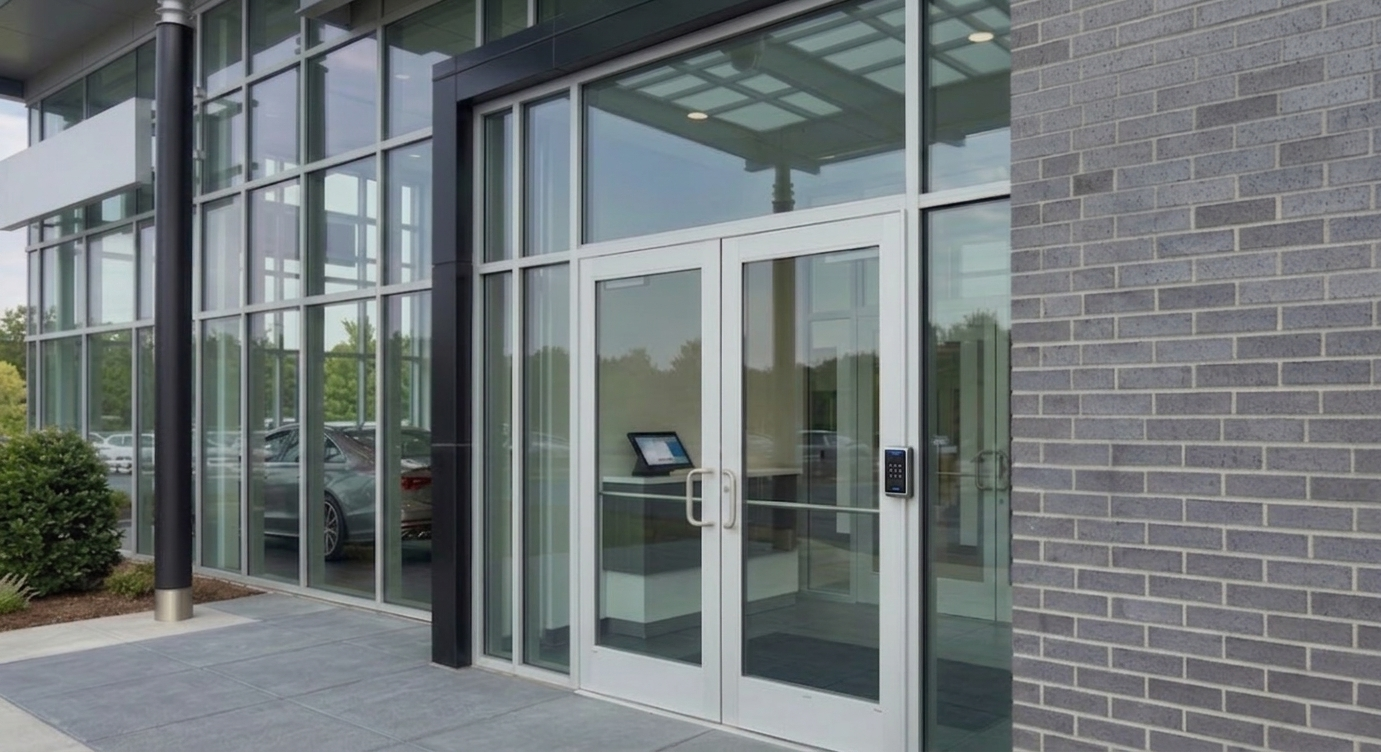
Many properties already have useful cameras, cabling, readers, or network infrastructure. Powerhouse Guardians reviews what can be retained, upgraded, or integrated before recommending replacement.
- Document camera models, coverage, and recording health
- Review access-control, alarm, cabling, and network readiness
- Identify compatibility with AI analytics and cloud management
- Prioritize gaps and create a phased commercial scope
Practical use cases
Areas and Events to Consider
Detection and alert workflows are configured around defined business needs rather than broad promises.
Common priorities
- Main entrances and visitor areas
- Doors and controlled spaces
- Parking, bus, and arrival zones
Operational visibility
- Perimeter and after-hours activity
- Incident documentation
- Multi-building security management
Our process
From Assessment to an Operational System
Site Review
Document the property and project priorities.
System Audit
Evaluate existing cameras, doors, alarms, and cabling.
Design
Define coverage, workflows, users, and scope.
Installation
Deploy, configure, test, and document.
Training
Set up users, alerts, review, and support.
Dallas–Fort Worth commercial projects
Build a Security Plan Around Your Property
Request a security assessment. PGC will review the site, existing infrastructure, access points, alarm needs, and operational concerns before recommending a practical plan.