Powerhouse Guardians • Industry Insights
Physical Security Outlook: 10 Shifts Reshaping How Buildings Are Protected
Across DFW and the wider U.S. market, physical security is moving away from after-the-fact recording and toward measurable, operations-grade outcomes. Below is our read on the ten forces reshaping the industry — and what each one practically means for the property owners, operators, and facility teams we serve.
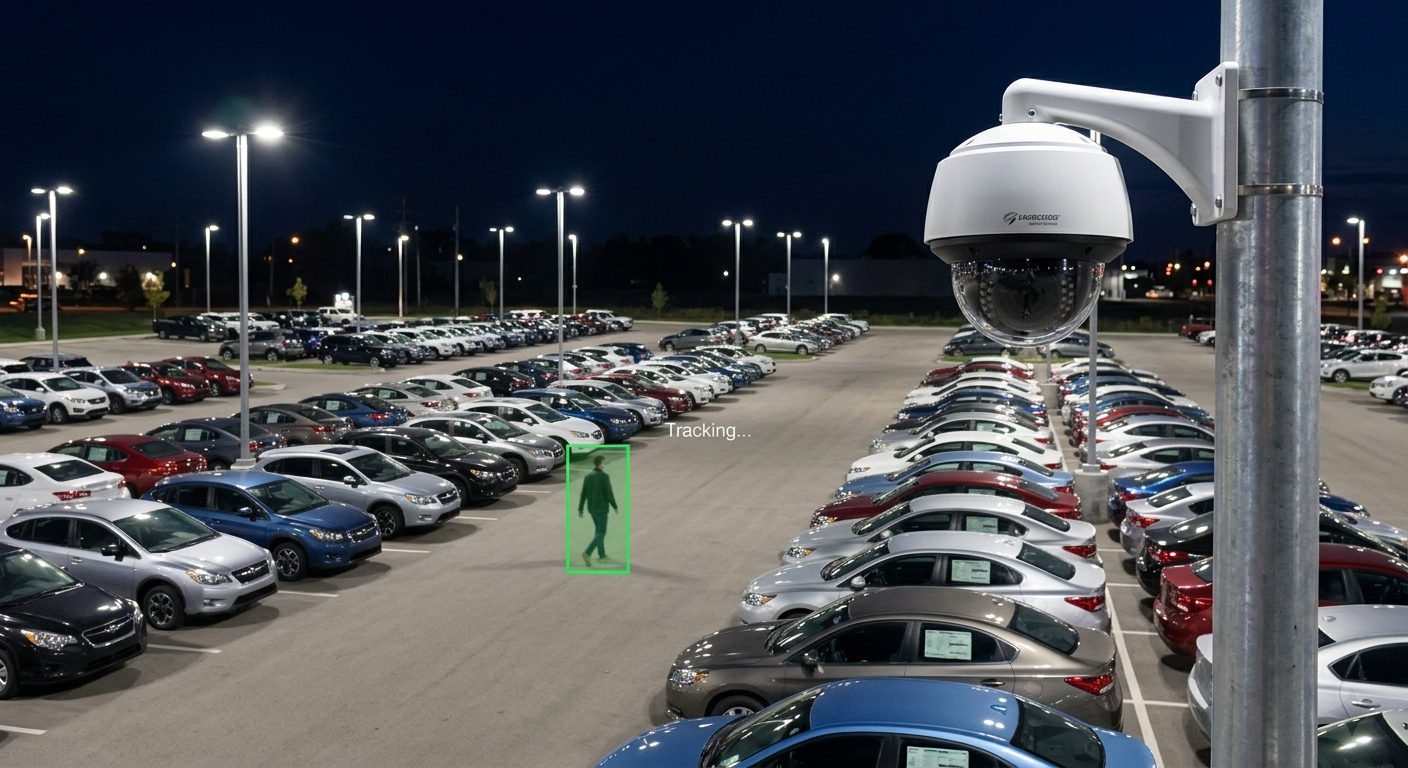
For most of the last decade, “security” meant cameras that recorded and a panel that beeped. That definition no longer holds. Buyers are asking a harder question: what did this system actually do for my operation this quarter?
At Powerhouse Guardians, we install and integrate the systems behind that question every week — AI video surveillance, electronic access control, alarms and IoT sensors, mobile surveillance trailers, structured low-voltage cabling, and remote AI monitoring. That vantage point shapes how we read where the industry is heading. We don’t see this as a fear story. We see it as the moment physical security finally gets measured like the rest of the business: by system uptime, alert quality, incident-review speed, and the operational visibility it provides.
The ten trends below are our own synthesis of where the market is heading. We’ve written each one in plain language, paired it with what we’re seeing on real DFW job sites, and added a short “What this means for you” note so the takeaway is actionable rather than abstract.
The 10 trends at a glance
- Cloud and edge become the default architecture
- Access control moves to a service model
- Data-driven facilities force a hardware refresh
- Mobile credentials retire the plastic badge
- Monitoring centers shift from alarms to risk
- AI video analytics get genuinely practical
- Coverage shifts toward event-driven technology
- Security budgets are judged on outcomes
- Security reports higher in the org chart
- Lifecycle management beats checkbox compliance
Architecture
Cloud and edge become the default, not the upgrade
The on-premises recorder humming in a closet is on its way out. More operators now want their video and access data reachable from anywhere, backed up off-site, and updated automatically — the same expectations they already hold for email or accounting software. The hesitation that remains is almost always about bandwidth: streaming dozens of high-resolution cameras to the cloud around the clock is expensive and fragile.
The answer the market has settled on is edge computing. The heavy work — running AI analytics, deciding what matters — happens on a device at the site. Only the results, a short clip or a line of metadata, travel to the cloud. That keeps costs sane, keeps the system working through internet hiccups, and still gives a manager one dashboard across every location.
What this means for you
If you run more than one property, a cloud-and-edge design lets you see all of them in one place without paying for a server room at each. Ask any integrator how their system behaves when the internet drops — a good edge design keeps recording and analyzing locally and simply catches up when the connection returns.
Access Control
Access control moves to a service model
Traditional access control meant a big upfront purchase, a dedicated on-site server, and a specialist every time you needed to add a door or a user. Access Control as a Service (ACaaS) flips that. The management software lives in the cloud, you pay a predictable subscription, and adding a location is a configuration change rather than a construction project.
The pull is strongest for organizations running many sites or growing quickly — multi-tenant properties, clinics, schools, and distribution operations — because it removes the cost and headache of maintaining identical servers in a dozen buildings and ties cleanly into the HR and IT systems that already hold the record of who should have access.
What this means for you
Subscription access control turns a large capital purchase into an operating cost you can budget month to month, and it means onboarding and offboarding can happen in seconds from anywhere — a real risk reducer when an employee leaves and their badge needs to die the same day.
Infrastructure
Data-driven facilities force a hardware refresh
As more facilities run AI workloads — whether that’s a data hall, a logistics hub, or a building full of smart sensors — the security model around them changes. Protecting a simple perimeter fence is no longer enough; the priority becomes controlling exactly who and what can reach sensitive equipment and data, down to the rack.
Two pressures collide here. Older cameras, controllers, and sensors are reaching end-of-life and losing manufacturer support, while newer AI features demand hardware those legacy devices simply can’t run. The result is a steady, deliberate replacement of aging gear with equipment built to support analytics, encryption, and identity-first access.
What this means for you
If your cameras or access panels are more than seven or eight years old, budget for a refresh rather than another patch. The honest move is a system health assessment first — know what’s near end-of-support before it fails, not after.
Credentials
Mobile credentials retire the plastic badge
The classic 125 kHz proximity card — the white plastic fob clipped to a lanyard — was designed in an era that didn’t worry much about cloning. Today an inexpensive device can copy one in seconds. Credentials carried on a phone, using Bluetooth Low Energy and NFC with modern encryption, are far harder to duplicate and far easier to manage.
Just as important is the operations win. A phone-based credential can be issued, changed, or revoked remotely and instantly — no printing, no shipping a card, no recovering a fob from someone who’s already gone. For the people using the door every day, it’s simply one less thing to carry and lose.
What this means for you
You don’t have to rip out everything at once — most modern readers accept both cards and phones, so you can transition gradually. If you’re still on legacy prox cards, treat that as a known vulnerability worth a plan, not a panic.
Monitoring
Monitoring centers shift from alarms to risk
The old monitoring model was reactive: a sensor trips, an alarm fires, someone responds. The problem is volume. Modern systems generate so many alerts that a human team drowns in them, and genuine threats get lost in a sea of false alarms from wind, wildlife, and shadows.
The shift underway is toward AI-assisted triage. Software handles the first pass — sorting noise from signal, grouping related events, and surfacing only what deserves a human’s attention. That frees the people doing the monitoring to focus on real risk rather than acknowledging hundreds of nuisance alerts a night.
What this means for you
The right question isn’t “how many alerts does it send?” but “how many of those alerts are worth acting on?” A monitoring approach that filters intelligently saves real labor and stops alarm fatigue from quietly defeating your whole system.
AI Video
AI video analytics get genuinely practical
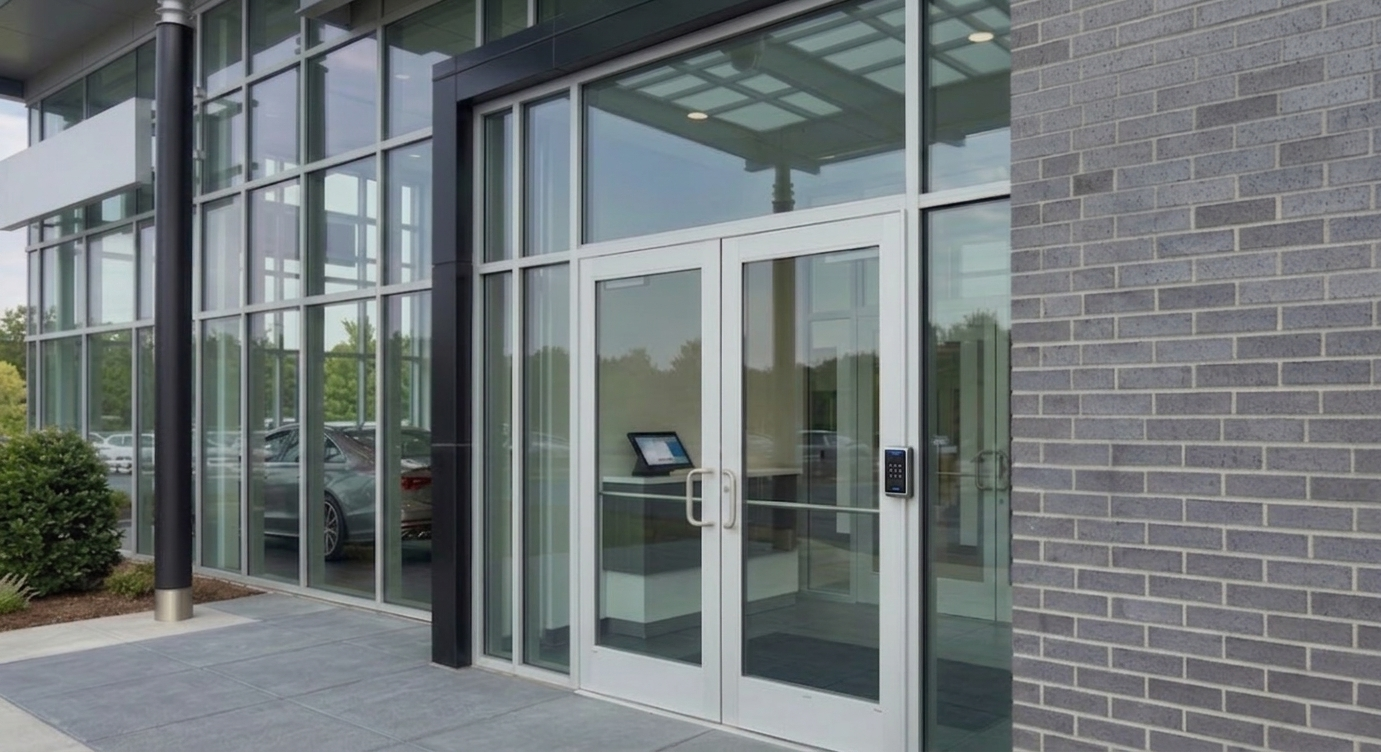
For years “AI cameras” mostly meant motion detection dressed up in marketing language — and they triggered on everything from a passing cat to a swaying tree. That era is ending. Current analytics understand context and behavior: they can tell a delivery driver from a loiterer, a customer from someone testing door handles in a parking lot at 2 a.m.
The practical effect is a dramatic drop in false alarms and a rise in useful ones. Instead of recording everything and hoping you can find the moment that mattered later, the system tells you about the moment that matters as it happens — and gives your team footage that’s already organized by what occurred.
What this means for you
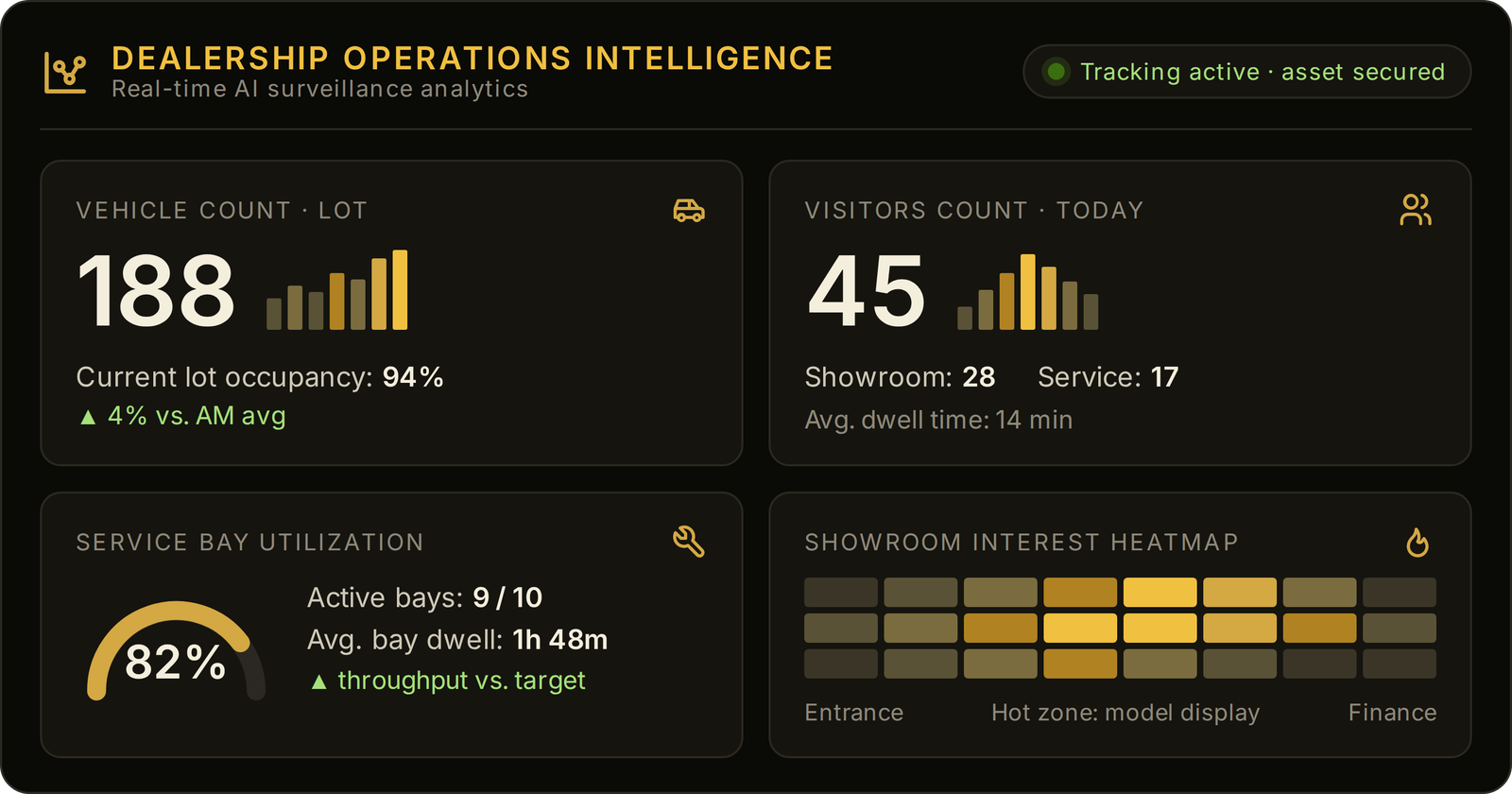
Good analytics aren’t about catching more — they’re about catching the right things and ignoring the rest. The payoff shows up as fewer wasted trips, faster searches after an incident, and operational insight (traffic patterns, dwell times) you can use beyond security.
Coverage Model
Coverage shifts toward event-driven technology
Commercial operators are placing more emphasis on event-driven coverage — AI surveillance, remote monitoring, two-way audio, configurable deterrents, and rapid-deploy mobile units — to improve visibility and escalation across critical areas after hours.
This is the lane we’ve chosen to build in. A solar-powered mobile surveillance trailer with on-board analytics can monitor a construction yard or overflow lot, flag activity in defined zones, support two-way audio workflows, and escalate selected events to an authorized operator. Success is measured by useful coverage, alert quality, and documented response workflows.
What this means for you
Measure the system by practical results: coverage of critical areas, useful alerts, incident-review time, documented uptime, and how clearly escalation responsibilities are defined. Compare those outcomes against the property’s operating needs and risk priorities.
Budget
Security budgets are judged on outcomes
Finance leaders no longer accept “we bought cameras and hired staff” as a justification. They want to know what the spend prevented and what it returned. Security budgets are now defended the way every other line item is — with outcomes: losses avoided, downtime reduced, claims supported, labor saved.
That accounting shift is part of why service and subscription models keep gaining ground. A predictable monthly operating cost tied to a measurable reduction in risk is far easier to approve, and far easier to defend at renewal, than a large one-time purchase whose value quietly fades into the background once it’s installed.
What this means for you
Before you buy, agree on how you’ll measure success — theft incidents, false-alarm fees, response times, insurance posture. A vendor who can’t talk about your ROI in your numbers is selling hardware, not protecting your operation.
Organization
Security reports higher in the org chart
Physical security used to live quietly under facilities — a maintenance concern alongside HVAC and landscaping. That’s changing. As security data connects to compliance, business continuity, and even insurance and IT, the function is being pulled toward the center of the organization and given a voice closer to leadership.
The consequence is a change in language. The conversation that wins budget and attention isn’t about megapixels and frame rates; it’s about risk reduction and business value — how the program protects revenue, keeps operations running, and supports the decisions leadership actually cares about.
What this means for you
Choose an integrator who can speak both languages — the technical detail your team needs and the business outcome your leadership funds. The translation between the two is where most security projects succeed or stall.
Lifecycle
Lifecycle management beats checkbox compliance
A security system isn’t a thing you install and forget. Cameras drift out of focus, firmware ages into vulnerability, storage fills, and a device fails quietly until the night you need the footage it didn’t capture. The mature approach treats the system as something to be managed across its whole life — design, installation, maintenance, and planned upgrades — rather than a box checked once at handover.
Lifecycle thinking is what separates a system that still works in year five from one that’s quietly half-broken. It means health monitoring that catches a failing camera before you do, documentation that stays current, and an upgrade path planned in advance instead of scrambled for after an outage.
What this means for you
Ask any prospective partner what happens after the install — how they monitor system health, how they handle failures, and how they plan upgrades. That answer tells you whether you’re buying a project or a partnership.
The Through-Line
Four ideas connect all ten trends
Strip away the jargon and the same themes keep surfacing. Whatever you’re protecting, these are the directions worth planning around.
Systems reachable from anywhere, intelligent at the site, backed up off-premises by default.
Analytics filter noise from signal so people spend time on real risk, not false alarms.
Budgets are supported by documented uptime, review efficiency, alert quality, and operational visibility — not by gear purchased alone.
Protection is an ongoing program with health monitoring and a planned upgrade path.
Common Questions
Security planning, answered plainly
The questions DFW property owners and operators ask us most often as they plan their upgrades.
Do I need to replace my whole system to take advantage of these trends?
Is cloud-based security less secure than keeping everything on-site?
How do these trends apply to a single small property, not an enterprise?
What does “security as productivity” actually mean in practice?
How does Powerhouse Guardians fit these trends for a DFW property?
Plan your security upgrade with people who install it
These trends are only useful when they’re mapped to your actual building, budget, and risk. Let’s walk your site, tell you straight what’s worth upgrading now, and put numbers to it — no pressure, no jargon.
This article reflects the views and field experience of the Powerhouse Guardians integration team and is provided for general educational purposes. Industry adoption rates and timelines vary by market, vertical, and organization. It is not a substitute for a professional security assessment of your specific property.
© Powerhouse Guardians Corp • AI Video Surveillance, Electronic Access Control, Mobile Security Trailers, Alarms & IoT, Low-Voltage Cabling, Remote AI Monitoring • DFW, Texas • TX License #B30802201